Practical guide
3D printing tolerances: how to make parts that fit
The lid that won't close, the screw that won't go in, the pin that wobbles: almost always the part printed fine and the problem is the gap wasn't right. Here's why it happens, how much clearance to leave as a starting point and how to dial it in on your printer, based on guides from Bambu Lab and the manufacturer Sovol.
Tolerance and clearance aren't the same
Sovol explains it well: tolerance is how far a printed dimension drifts from the model's, and every printer has one. Clearance is the gap you deliberately leave between two parts so they fit despite that drift. If you model a 10 mm pin and a 10 mm hole, it most likely won't go in, because holes tend to print slightly undersized.
Why holes print smaller
Bambu Lab lists the causes worth checking before touching any compensation setting:
- Material shrinkage as it cools, which can narrow holes.
- Elephant's foot: the first layer, squashed too hard into the bed, comes out wider (explained in elephant's foot).
- Damp filament, which extrudes inconsistently (see how to dry filament).
- Poorly tuned flow (covered in input shaping, pressure advance and flow).
- Very small holes, close to the nozzle size: below 1 mm they're hard to dial in.
- Holes without a lead-in chamfer, and each layer's seam, which also affects precision.
How much clearance to leave: a starting point
Sovol suggests these clearances per side (not on the total diameter) for a 0.4 mm nozzle with well-tuned flow, and warns they're starting points, not guarantees:
| Fit type | Starting clearance | Used for |
|---|---|---|
| Press fit | 0.05-0.15 mm per side | Bearings, dowel pins, inserts |
| Sliding fit | 0.2-0.3 mm per side | Lids, drawers, guides |
| Snap fit | 0.3 mm or more, plus a flexible arm | Clips, battery covers |
| Print-in-place moving part | about 0.3-0.4 mm in total | Hinges, articulated joints |
Material matters too. According to Sovol, PLA is the most stable, PETG a little more sensitive and ASA the most prone to shrinking and warping, so for a sliding fit it suggests starting at 0.15-0.25 mm for PLA, 0.2-0.3 mm for PETG and 0.25-0.35 mm for ASA (the latter with an enclosed printer).
The tolerance test
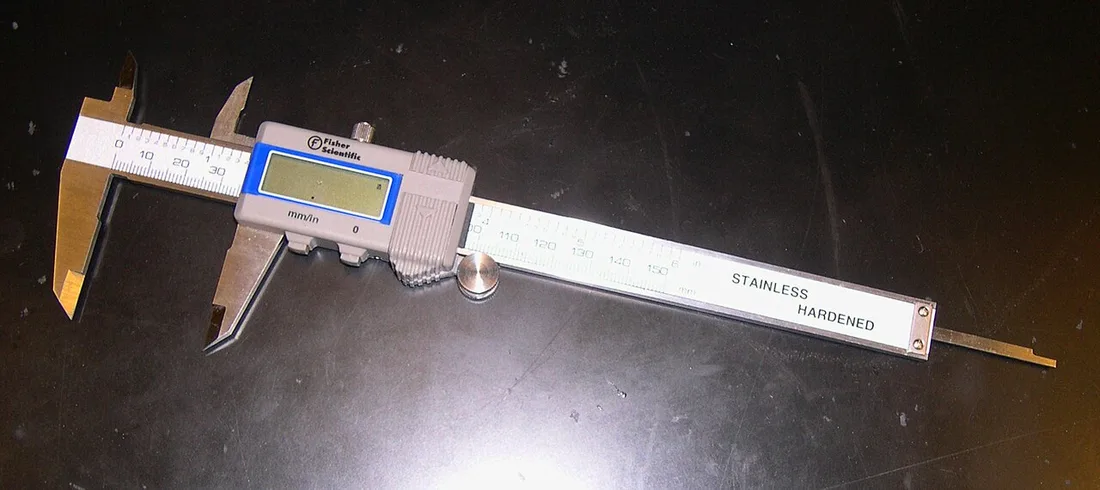
Since every printer and filament behaves differently, the reliable approach is to measure yours. Sovol suggests printing a block with several pins and holes with stepped clearances, for example from 0.1 to 0.5 mm, with the same settings you'll use for the final part (orientation, layer height, nozzle, flow, temperature and fan), and trying each gap by hand. The largest one that still press-fits is your press-fit clearance; the smallest that slides smoothly, your sliding-fit clearance. Write it down: it holds for that printer and material combination until you change something.
Fixing it without touching the model: XY compensation
If your holes consistently print small, the slicer can correct it. Bambu Studio has two settings:
- XY hole compensation: changes only the size of closed holes on each layer, without touching the outside. Note: according to Bambu Lab, the diameter grows by twice the value you enter. If a hole prints 0.24 mm undersized, for example, the compensation would be about 0.12 mm.
- XY contour compensation: changes the outer size of the part, without touching the holes.
Bambu Lab suggests calibrating it with a test model and metric screws (M3 to M6), which are the same size worldwide, and points out that this calibration is specific to each filament. It also warns of a limit: hole compensation only works on closed contours; if a hole is open on one side, only contour compensation applies to it. Other slicers have equivalent settings under other names, such as XY compensation or horizontal expansion.
Frequently asked questions
- How much clearance should I leave for two parts to fit?
- There's no universal figure: it depends on the printer, nozzle, material and orientation. As a starting point, Sovol suggests, per side and with a 0.4 mm nozzle, 0.05-0.15 mm for a press fit and 0.2-0.3 mm for a sliding fit. The reliable way is to print a tolerance test with your own settings.
- Why do holes print smaller?
- Bambu Lab lists several causes: material shrinkage as it cools, elephant's foot on the first layer, damp filament, poorly tuned flow, the seam, or holes too close to the nozzle size.
- What is XY compensation?
- A slicer setting that corrects dimensions without touching the model. Bambu Studio has two: hole compensation, which only changes hole size, and contour compensation, which changes the outer size. According to Bambu Lab, the hole diameter grows by twice the value you enter.
- Is clearance the same for PLA, PETG and ASA?
- No. According to Sovol, PLA is the most stable and ASA shrinks the most, so it suggests slightly larger starting clearances for PETG and ASA than for PLA.