Maker hub · free · no sign-up
3D printing tools
Everything to choose and print, in one place and in your browser: nothing is uploaded to any server. No account, no hype.
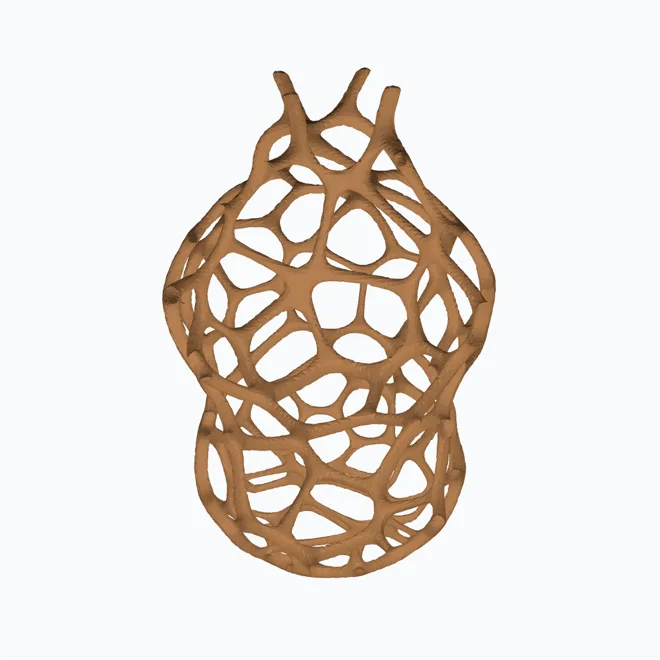
Voronoi generator
Turn your model into an organic lattice
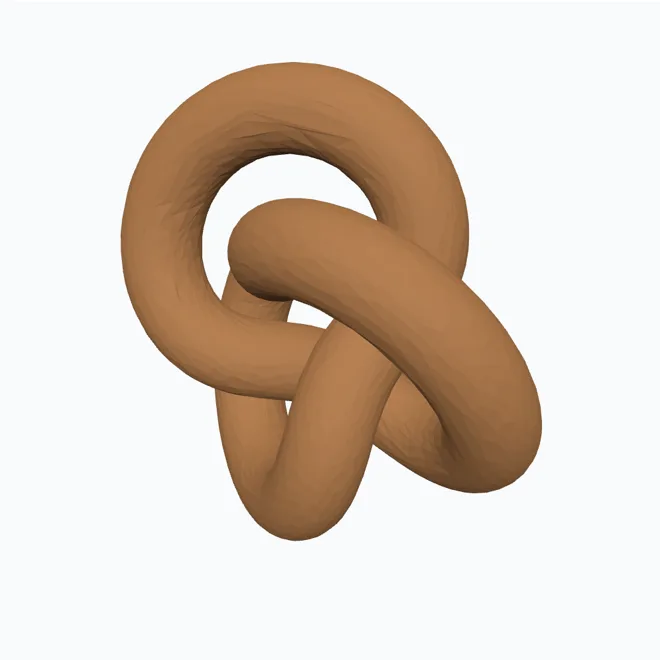
Reduce mesh
Fewer triangles, protecting what matters
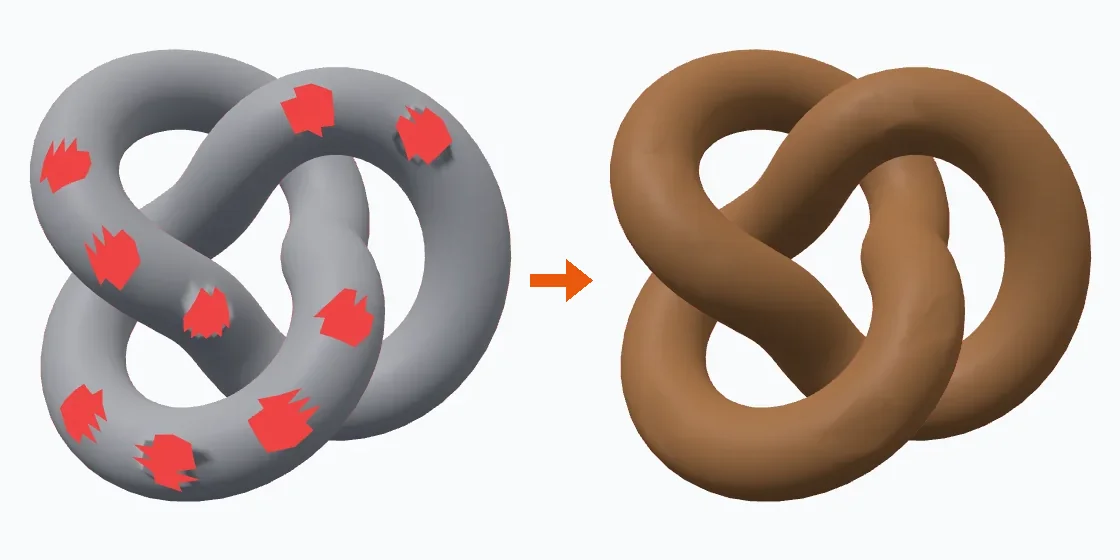
Repair STL
Close holes and fix faces
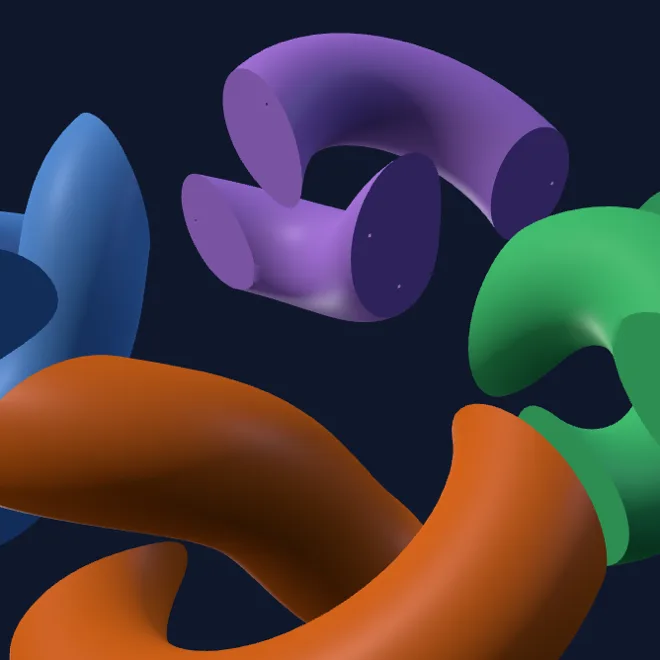
Cut STL for your bed
Split big parts so they fit
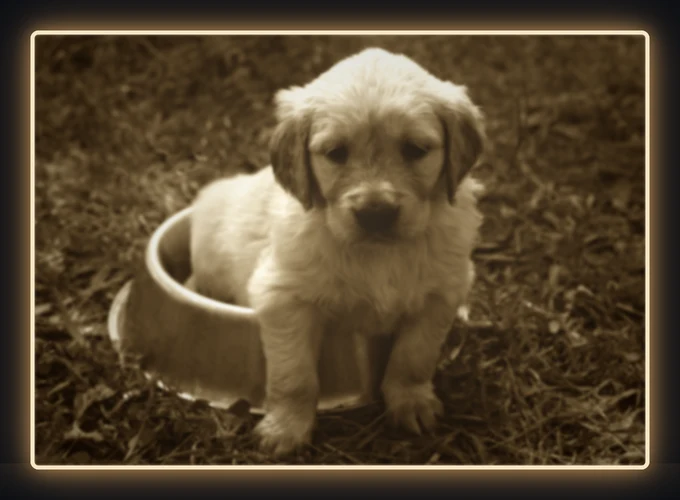
Lithophane generator
Turn a photo into a printable lithophane
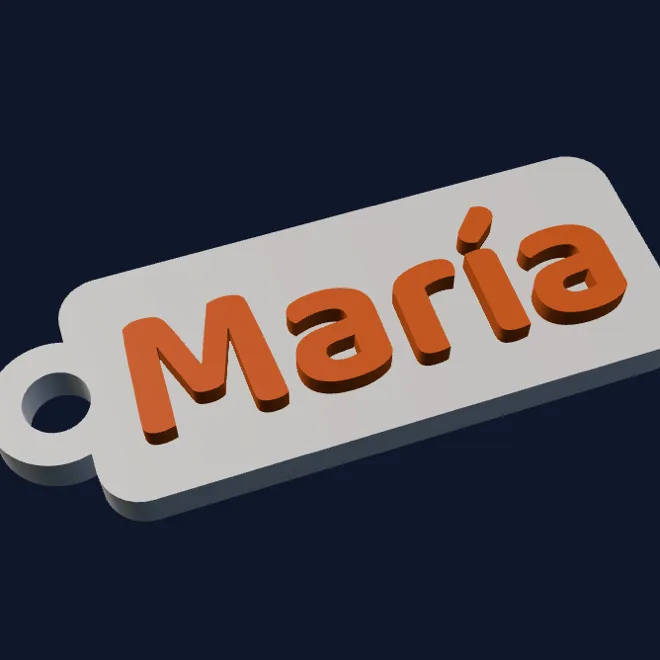
3D text & QR
Printable keychains, plates and QR tags
3D file converter
Convert, and take it to CAD (STEP)
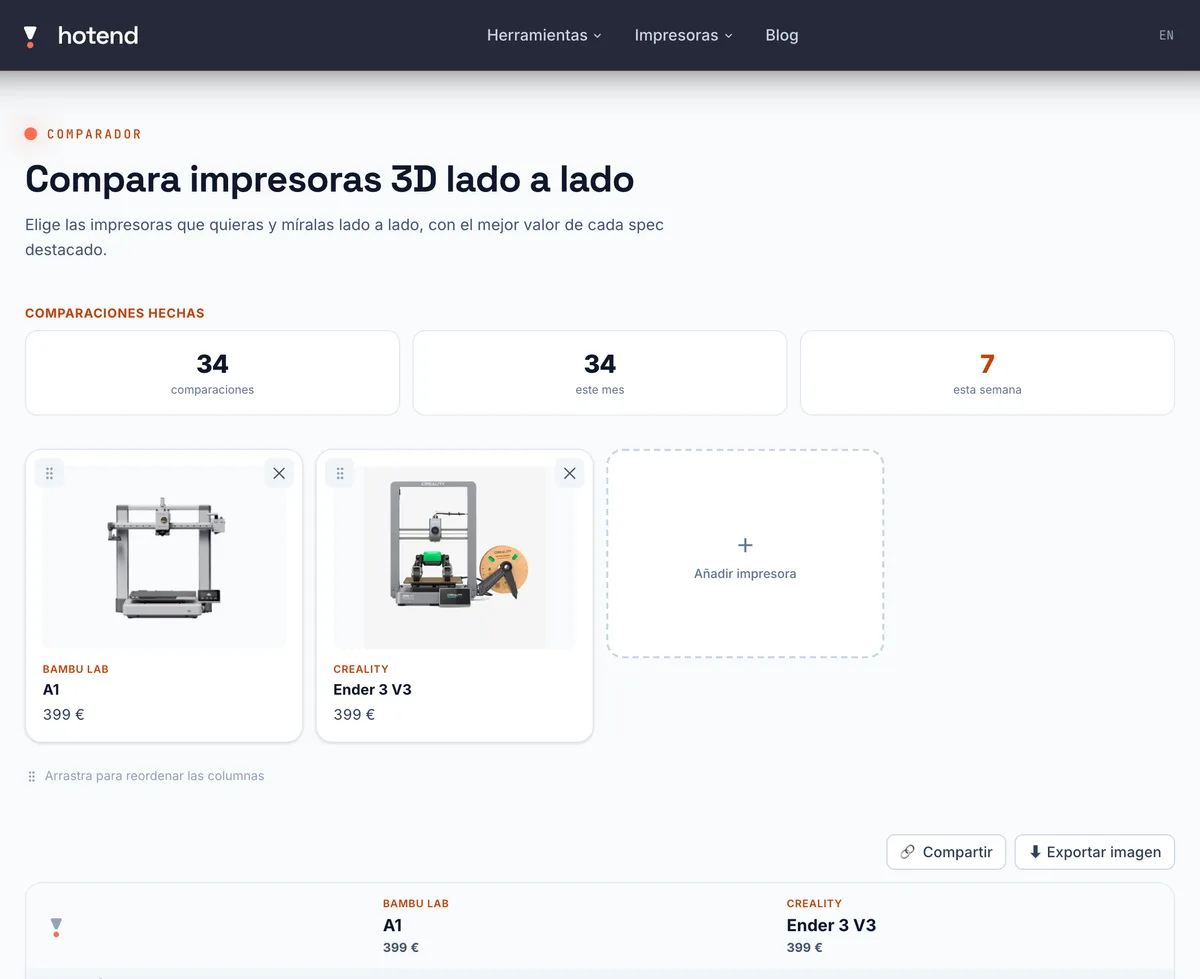
Printer comparator
Pit them spec by spec
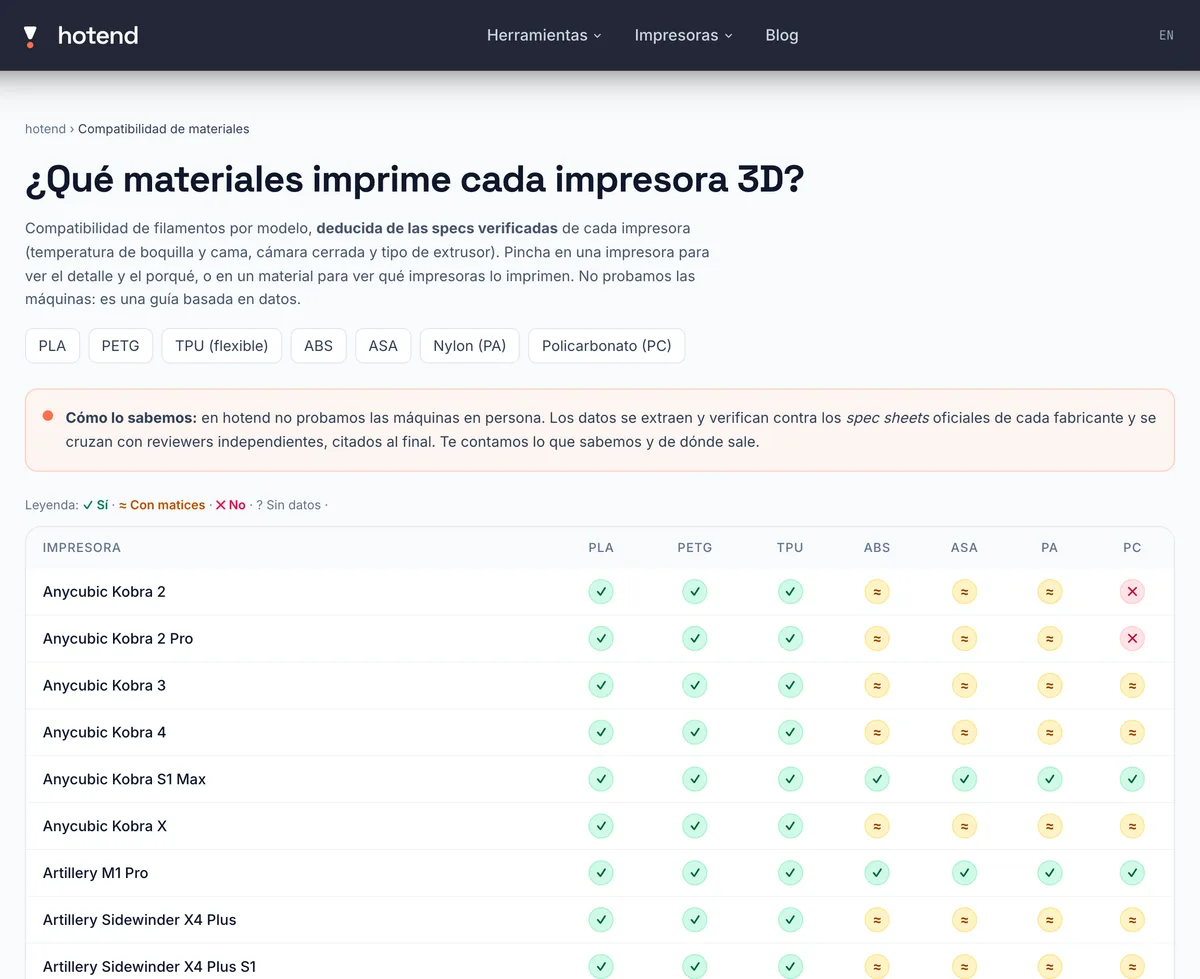
Material compatibility
Does it print PLA, PETG, ABS…?
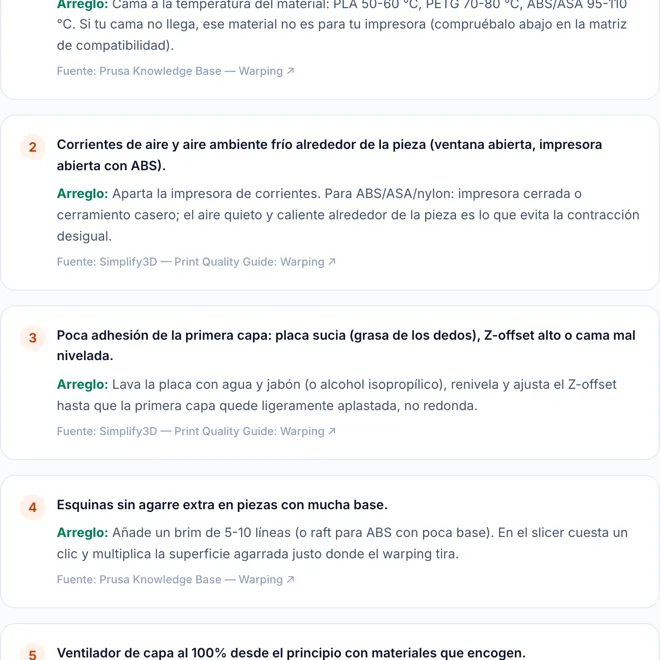
Print troubleshooting
From symptom to fix in 2 taps
Which one do you need?
Almost everything that goes wrong in 3D printing lands in one of four places, and there's a tool above for each:
- Before you buy: you don't know whether that machine prints what you have in mind. The comparator puts two of them side by side, spec for spec, and the material table tells you whether it reaches ABS or nylon, and why.
- The file won't work: someone sent it in a format your slicer won't open, or it weighs 400 MB. That's the converter (including the step across to STEP for CAD) and the mesh reducer, which drops triangles while protecting the areas you paint.
- The part doesn't fit: cut STL splits it to your bed size with configurable joints.
- You want to make something from scratch: 3D text and QR for keychains and plates, lithophanes from a photo, and the voronoi generator to turn a solid model into a lattice.
And once it's printing badly, troubleshooting goes from symptom to cause in two taps, citing the manufacturer's own documentation at each step.
What each one reads, writes and runs on
| Tool | In | Out | Engine |
|---|---|---|---|
| Voronoi generator | STL, OBJ, 3MF, PLY | STL, OBJ, 3MF, PLY | Voxels and marching cubes |
| Reduce mesh | STL, OBJ, 3MF, PLY | STL, OBJ, 3MF, PLY | meshoptimizer (quadrics) |
| Cut STL | STL, OBJ, 3MF, PLY | STL, OBJ, 3MF, PLY | Manifold (booleans) |
| Lithophanes | JPG, PNG or WEBP photo | STL, OBJ, 3MF, PLY | Relief from each pixel's brightness |
| 3D text & QR | Text or QR content | STL, OBJ, 3MF, PLY | Manifold and OFL-licensed fonts |
| Converter | STL, OBJ, 3MF, PLY, GLB, glTF | STL, OBJ, 3MF, PLY and STEP | three.js |
The ones that create or change geometry (voronoi, cut, text) always hand you a closed solid, because they rebuild the part or cut it with exact boolean operations instead of editing the mesh by hand. Each page explains what the tool does under the hood, with the figures from its example.
Why they run in your browser
None of these tools uploads your file to a server. The geometry is processed on your own machine with WebAssembly and WebGL, and the model never leaves your laptop: close the tab and there's no copy left anywhere, because there was never a copy to keep.
That has one practical consequence worth knowing before you start: speed depends on your hardware, not ours. An STL with several million triangles takes time, and an older phone can run out of memory. In exchange there are no queues, no size limit imposed by us, no sign-up and no watermarks on what you download.
They're free and they'll stay free. What pays for them is the affiliate links on the printer sheets, not a paid tier hidden three clicks in.