Software
Which slicer to use: Bambu Studio, OrcaSlicer, PrusaSlicer or Cura
Between the 3D model and the printer there's always a program: the slicer, which "slices" the part into layers and generates the G-code, the instructions the machine follows. There are many, but they have more in common than it seems: almost all the popular ones descend from the same program. Here's where each one comes from, how they differ and which suits you, using each project's official repository as the source.
A family tree
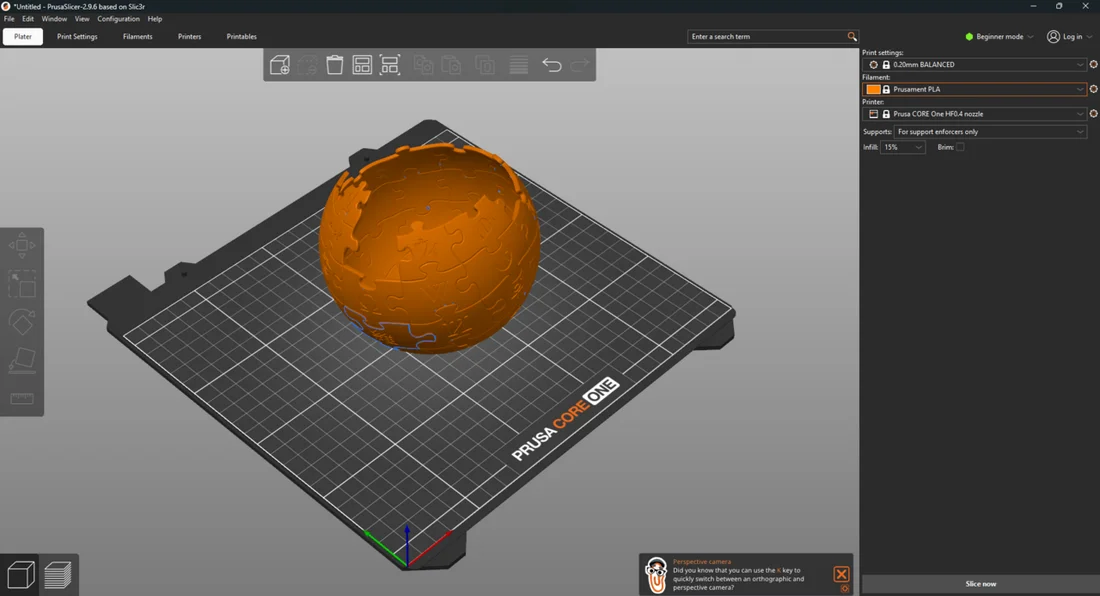
Each project's repository tells its origin. PrusaSlicer was originally based on Slic3r, by Alessandro Ranellucci and the RepRap community. Bambu Studio is based on PrusaSlicer. OrcaSlicer builds on Bambu Studio. And some brand slicers, such as Creality Print and ElegooSlicer, build in turn on OrcaSlicer. That's why they share many of their concepts and settings.
Everything in that family is open source under the AGPL-3.0 licence. UltiMaker's Cura is the big exception: it's a separate family, built on its own framework (Uranium), under the LGPL-3.0 licence.
The main ones, one by one
- Bambu Studio (Bambu Lab). Its repository describes it as software for Bambu Lab printers and others. It includes an optional networking plugin based on non-free libraries, which adds extra features with the brand's printers.
- OrcaSlicer (community). Its repository highlights support for a broad range of printers (Bambu Lab, Prusa, Creality, Voron and more) and advanced calibration tools. That makes it a practical option if you have printers from several brands. We explain its flow and pressure advance calibrations in input shaping, pressure advance and flow.
- PrusaSlicer (Prusa Research). The origin of much of the family. It comes with Prusa printer profiles and describes itself as a G-code generator for printers from many brands.
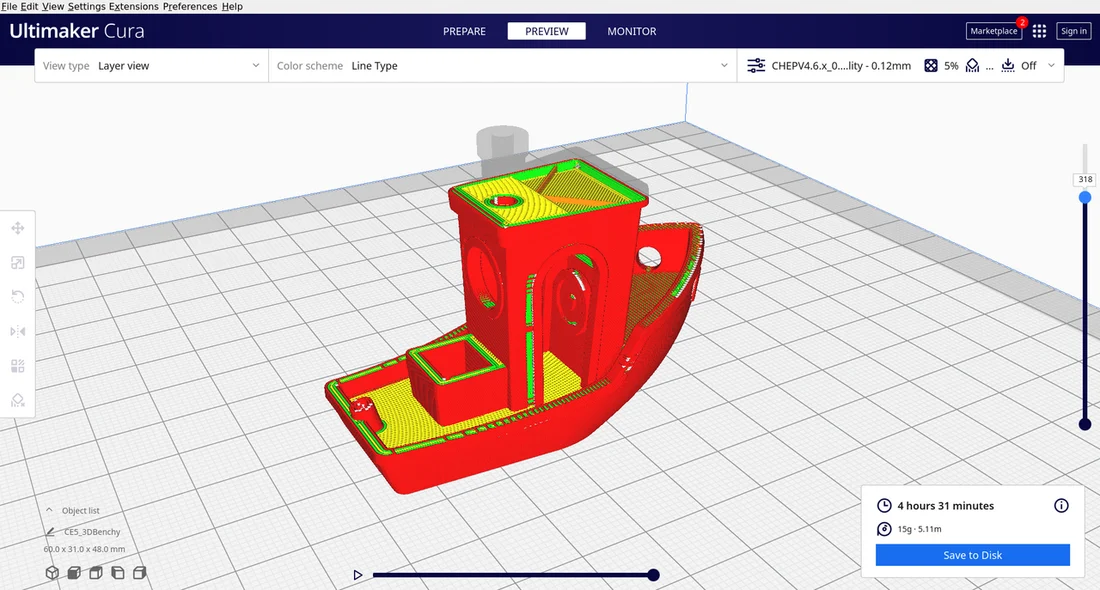
- UltiMaker Cura. From a different family, with its own interface that doesn't look like the others', something to keep in mind if you switch from one to another.
- The brand slicers, such as Creality Print or ElegooSlicer: derived from OrcaSlicer and aimed at their maker's printers.
Which to choose
| If… | Try |
|---|---|
| You're just starting | Your brand's official slicer: it has your printer's and its filaments' profiles ready. |
| You have printers from several brands | OrcaSlicer, to use one program for all of them. |
| You want to calibrate in depth | OrcaSlicer or Bambu Studio, which include calibration tests. |
| You have a Prusa | PrusaSlicer, with Prusa's official profiles. |
| You come from Cura or have an UltiMaker | Cura, if you already know your way around it. |
Since almost all of them are free, the most practical thing is to try: import the same model into two of them and compare the result. And since they all read the usual formats, if your model comes in another format, our 3D converter turns it into STL or 3MF in your browser.
Frequently asked questions
- What is a slicer?
- It's the program that turns a 3D model (STL, 3MF…) into the instructions the printer understands, the G-code: where to move the toolhead, how much plastic to extrude and at what temperature. It's where you choose layer height, infill, supports and the rest of the settings.
- Which is the best slicer?
- There isn't one best for everything. The simplest is to start with your brand's, which comes with ready-made profiles. OrcaSlicer is a good option if you have printers from several brands or want its calibration tools.
- Are slicers free?
- The most popular ones are. PrusaSlicer, Bambu Studio, OrcaSlicer, Creality Print and ElegooSlicer are AGPL-3.0 licensed, and Cura is LGPL-3.0: all of them are open source.
- Can I use Bambu Studio with a non-Bambu Lab printer?
- Bambu Lab describes it as software for its printers and others. Even so, if you have several brands, OrcaSlicer, which derives from Bambu Studio, was designed precisely to work with many different printers.
Sources
- PrusaSlicer — official repository (Slic3r origin, AGPL-3.0)
- Bambu Studio — official repository (based on PrusaSlicer, optional networking plugin)
- OrcaSlicer — official repository (supported printers and calibration tools)
- Creality Print — official repository (forked from OrcaSlicer)
- ElegooSlicer — official repository (based on OrcaSlicer)
- UltiMaker Cura — official repository (built on the Uranium framework, LGPL-3.0)