Practical guide
Basic 3D printer maintenance: what to check and how often
Today's printers ask for little, but not nothing. Prusa recommends setting aside time for maintenance even if the printer is working perfectly, and Bambu Lab explains that doing it regularly reduces wear, extends the machine's life and lowers the risk of a failed print. Here's what to check and how often, based on both manufacturers' official guides.
Before you start: safety and tools
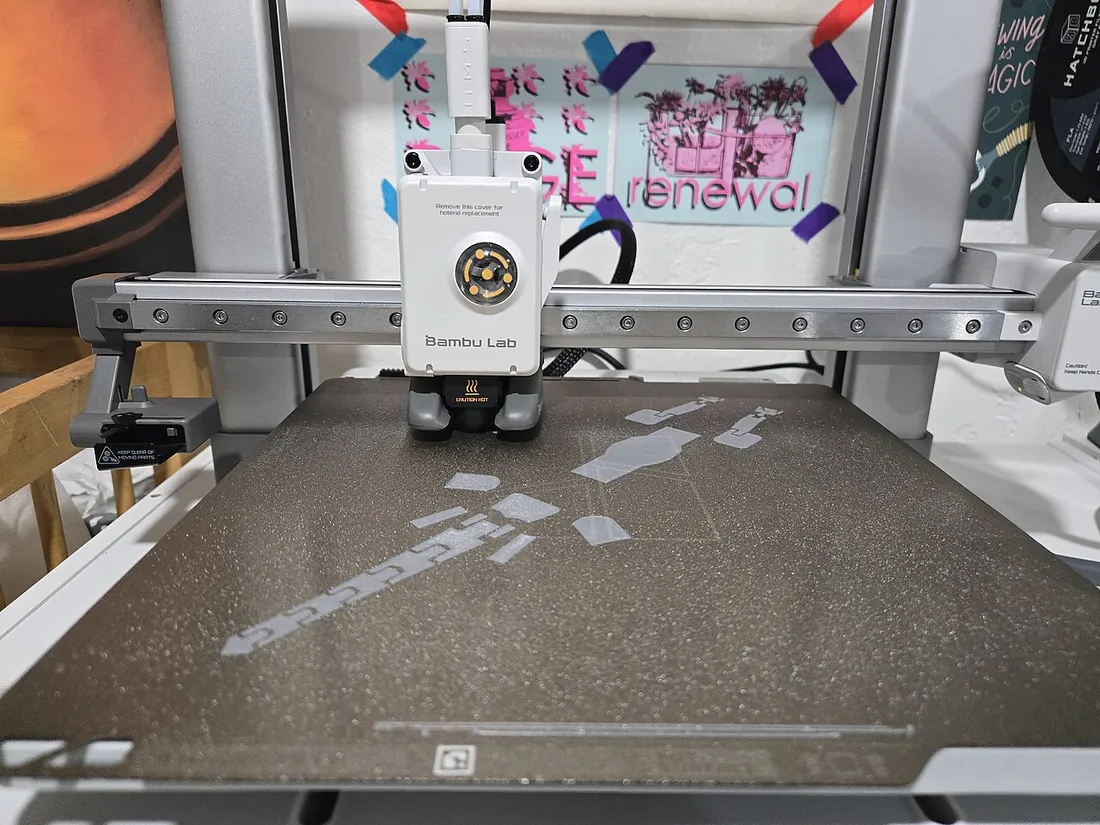
Bambu Lab flags it as important: power off and unplug the printer before any maintenance that touches the electronics or the toolhead, because taking parts off exposes wires that can short-circuit. And remember the nozzle and bed burn: Prusa estimates about 10 minutes for the hotend to cool to room temperature.
The basic tools both guides mention: Allen keys, tweezers or pliers, a lint-free cloth or paper towels, isopropyl alcohol, compressed air or an air blower, a brass brush for the nozzle and the lubricant the manufacturer specifies for each part. Mind that last one: Prusa warns that the lubricant it ships with the CORE One is for the smooth rods and lead screws, but not for its linear rail, which takes a specific grease.
Before every print
Prusa groups here what's worth checking every time:
- Debris around the machine. Bits of filament, dust and broken supports pile up around the parts and under the bed. A brush, a small broom or a vacuum does the job.
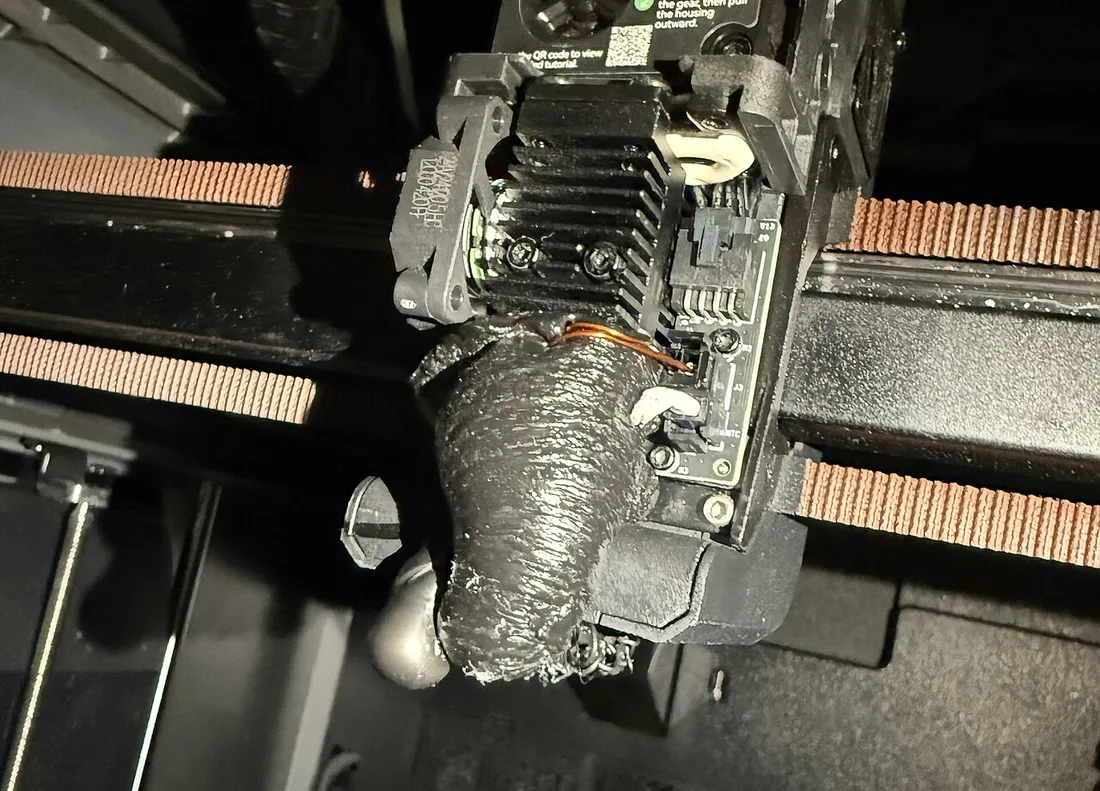
- The nozzle and heater block. If plastic is stuck to them, that residue can end up falling onto the part mid-print. Prusa heats the nozzle to 250 °C for three to five minutes and removes the leftovers with a brass brush, without touching the hotend cables.
- The bed. Clean, with no grease or fingerprints (how, below).
The bed: water, soap and no fingers
Dust and finger grease from removing parts are invisible, but they show up in the first layer. For its textured PEI plate, Bambu Lab recommends washing it with warm water, dish soap and a sponge, rinsing it and drying it with a paper towel. It explains why it doesn't favour alcohol on this surface: on a rough texture it may just spread the grease instead of removing it.
Bambu also gives a trick to tell whether it's clean: watch how the water runs. If it gathers into streams and droplets, the plate is greasy and adhesion will be poor; if it forms a thin, even film, it's clean. Afterwards, handle it by the edges.
Not every bed is cleaned the same way. Prusa warns that acetone should only be used, sparingly, on its smooth sheet, and that it permanently damages textured and satin sheets. When in doubt, follow your surface's guide. If parts still come loose, go through why prints don't stick.
Rails, rods and lead screws
The parts the toolhead and bed slide on need cleaning and some lubricant. Frequencies vary a lot from one machine to another:
- Bambu Lab A1 mini: X, Y and Z rails every month. Pick off debris with tweezers, wipe with a lint-free cloth, lubricate with oil and move the axis end to end to spread it. The lead screw every three months, preferably with grease, which evaporates less than oil.
- Prusa CORE One: axis check every 200 hours of printing. The X-axis linear rail is wiped with a clean cloth, without degreasers that could damage the carriage's rubber, and lubricated every 3-6 months with its dedicated kit. The Y-axis smooth rods are cleaned and get a little Prusa lubricant.
A dirty or dry lead screw can leave regular marks on the walls; we explain it in z-banding.
Belts
With use, belts can loosen slightly and cause layer shifts or worse quality. Prusa's test is simple: print a circular object; if it doesn't come out perfectly round, the tension needs adjusting. Some printers watch this themselves: the A1 mini measures belt tension with its vibration calibration and tells you when to re-tension.
Extruder
Over time, filament leaves debris in the teeth of the extruder gear and the printer starts to extrude less than it should. Prusa cleans them with compressed air, a brass brush or a toothpick. Bambu Lab gives a figure for the A1 mini: clean the gear every 5 spools of filaments such as PLA or PETG, and every 2 if you print carbon-fibre filaments. If you're already seeing symptoms, check under-extrusion and clogged nozzle.
Fans
A fan with a strand of filament caught in it or clogged with dust cools worse. Bambu Lab asks you to check the part-cooling and hotend-cooling fan ducts every week on the A1 mini; Prusa, to clean the fans every few hundred hours with compressed air and tweezers, never blowing air into a running fan.
Wear parts
Some parts are consumables and need replacing. In the A1 mini guide, Bambu Lab lists:
- PTFE tube (the one that carries the filament to the toolhead): replace it every 6 spools of PLA and other non-fibre materials, or every 2 with abrasive materials such as carbon-fibre ones.
- Nozzle: clean it every 5 spools (every 2 with carbon fibre) and replace it when wear makes it leak.
- Filament cutter, if you print in several colours: check the blade every 3 spools.
- Hotend silicone sock: replace it if damaged; without it you'll get temperature warnings.
Once a year
Prusa recommends checking and, if needed, reseating the electronics connectors every 600-800 hours of printing, always with the printer switched off and unplugged.
Summary: maintenance schedule
The frequencies are for the models the guides cover; your printer may ask for different ones, so treat this as a starting point and check its manual.
| Task | How often | Per |
|---|---|---|
| Clear debris, check nozzle and bed | Before every print | Prusa (CORE One) |
| Part-cooling and hotend fans | Every week | Bambu Lab (A1 mini) |
| Clean and lubricate the rails | Every month | Bambu Lab (A1 mini) |
| Check axes and belts | Every 200 hours | Prusa (CORE One) |
| Grease the lead screw | Every 3 months | Bambu Lab (A1 mini) |
| Clean extruder gear and nozzle | Every 5 spools (2 with carbon fibre) | Bambu Lab (A1 mini) |
| Replace the PTFE tube | Every 6 spools (2 with abrasive materials) | Bambu Lab (A1 mini) |
| Check electronics connectors | Every 600-800 hours | Prusa (CORE One) |
Frequently asked questions
- How often should I lubricate a 3D printer?
- It depends on the model and how much you print. As a reference, Bambu Lab asks you to clean and lubricate the A1 mini's rails every month and grease the lead screw every three months; Prusa checks the axes every 200 print hours on the CORE One and lubricates its linear rail every 3-6 months. Use the lubricant the manufacturer specifies for each part.
- What should I clean the build plate with?
- It depends on the surface. For its textured PEI plate, Bambu Lab recommends warm water and dish soap with a sponge, then rinse and dry, because alcohol may just spread the grease around. Prusa warns that acetone is only for its smooth sheet and ruins textured and satin ones.
- How do I know if the belts are loose?
- Prusa suggests printing a circular object: if it doesn't come out perfectly round, the tension needs adjusting. Loose belts can cause layer shifts and worse quality. Some printers, such as the A1 mini, check this themselves and warn you.
- Should I switch the printer off for maintenance?
- For any work that touches the electronics or the toolhead, yes: Bambu Lab insists on powering it off and unplugging it to avoid short circuits. The exception is cleaning the nozzle hot, which Prusa does with the nozzle at 250 °C, taking great care not to touch the cables.