Guide · 3D tools
How to make a 3D printed name keychain (free, in 5 minutes)
The name keychain is the perfect printable gift: personal, fast and it costs pennies. And you no longer need CAD skills: with hotend's 3D text & QR generator you type the name, pick a font and download the STL — free, no sign-up, unlimited downloads, with the part regenerating in your browser as you type.
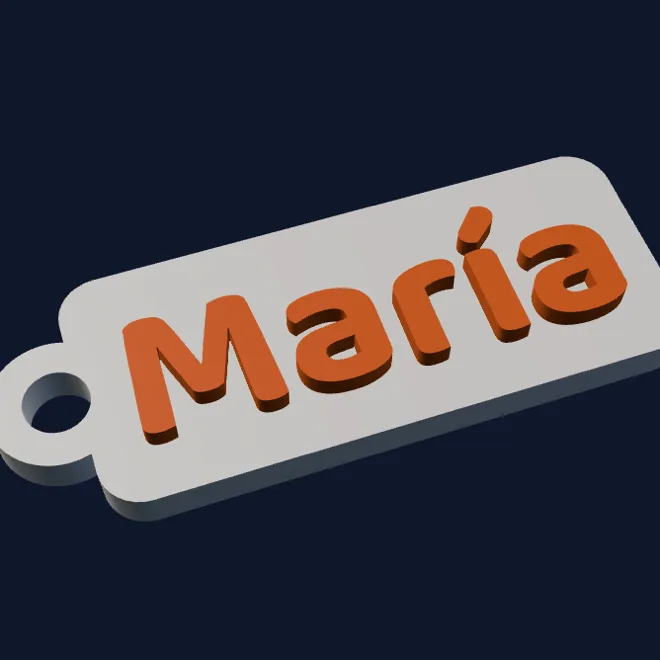
From a name to a keychain
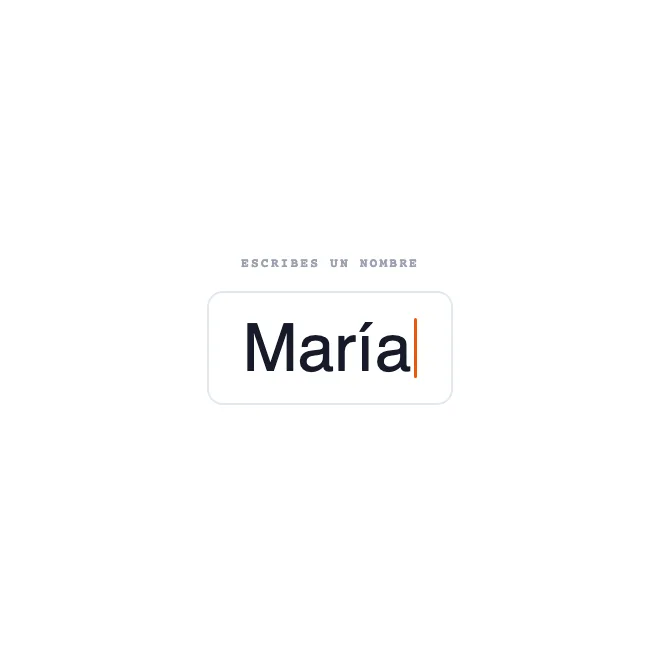 →
→ 
Step by step
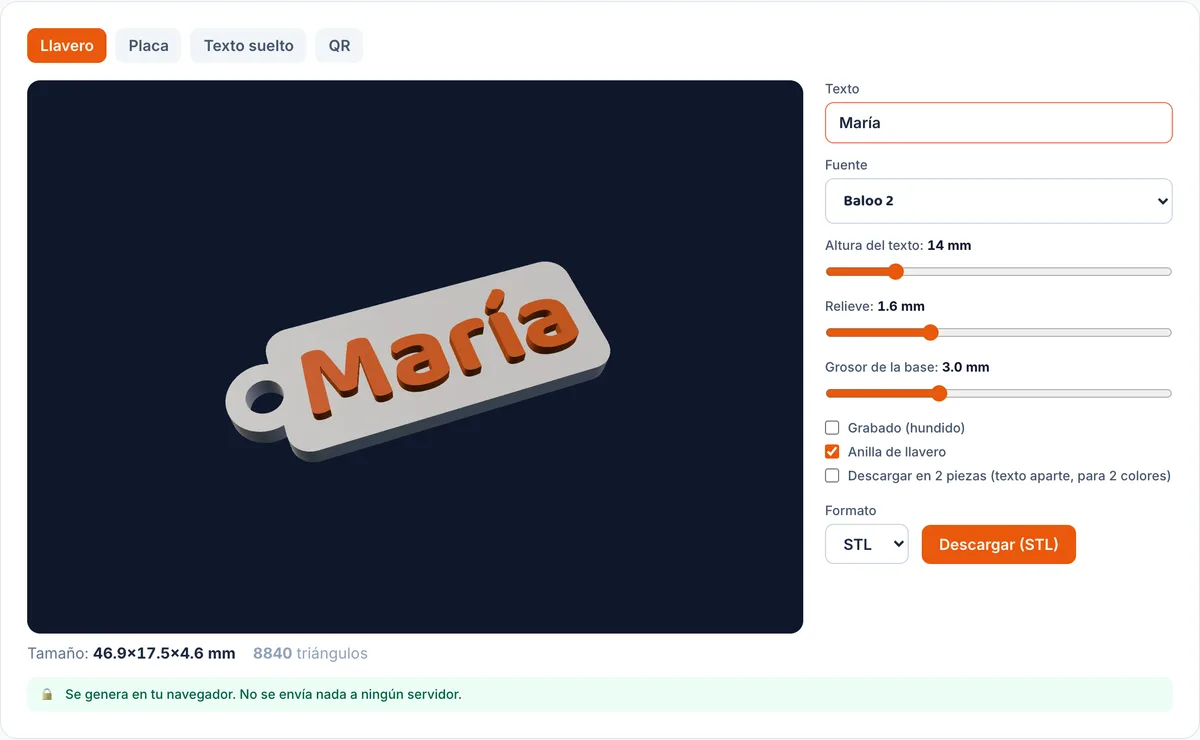
- Open the 3D text generator. A sample keychain is already spinning in the viewer when the page loads.
- Type the name. The part regenerates as you type, with its real size in millimetres under the viewer.
- Pick a font: rounded ones like Baloo or Fredoka for kids' keychains, a script like Pacifico for something elegant (its letters connect, too), Orbitron for a techy look.
- Tune the text height (the keychain scales with it), the relief, or tick engraved for recessed text instead of raised.
- Download the STL (or OBJ, 3MF, PLY). The mesh is guaranteed watertight — your slicer won't complain.
Printing it (nicely)
- Flat on the bed, no supports. The bottom face comes out smooth, text side up.
- 0.2 mm layers and 15-20% infill are plenty. It's a 15-25 minute print.
- Two colours without an AMS: with the keychain as a single part, add a pause in your slicer at the height where the relief starts and swap filament. Two-colour text on any printer.
- Two colours properly: tick “Download as 2 parts” and load base and text as separate objects — they fit exactly, nothing to align by hand.
Not just keychains: plates, signs and QR codes
The same tool has a plate mode (with corner screw holes: workshop door, mailbox, the dog's house), a free text mode for cake toppers and signs, and a QR mode: turn a link or your home WiFi into a printable physical code — frame the WiFi QR by the door and stop spelling out the password to guests. If the QR modules get too small for your nozzle, the tool warns you.
One detail that matters when you print for others: everything is generated in your browser. The names you type are never sent to any server — same as photos in our lithophane generator, the other can't-miss printable gift.
FAQ
- How long does a name keychain take to print?
- Between 15 and 25 minutes with normal settings (0.2 mm layers, 15-20% infill). It's one of the most forgiving parts there is: small, flat, no supports and almost impossible to ruin.
- How do I get the text in a second colour?
- Download the part “as 2 files”: the base and the text separately, fitting exactly. Load both in the slicer and assign a filament to each; on a single-colour printer, add a pause at the relief height and swap filament by hand.
- What ring goes in the hole?
- The hole is sized for standard split rings (the classic spiral keyring). A cord or ball chain also fits. Need a bigger hole? Increase the text size — the whole part scales with it.
- Does it handle accents and special characters?
- Yes — the eight bundled fonts cover Western European alphabets (á, é, ñ, ü…). Emoji aren't included: text fonts don't carry them. For artwork, convert an image to STL instead, or use the QR mode if you want to link something.
- Really free, no account?
- Really. The part is generated in your browser — there's no server doing the work, so there's nothing to charge per download. Every font, unlimited downloads, no account.
Sources
- hotend's 3D text & QR generator
- How to make a 3D lithophane from a photo
- SIL Open Font License (licence of the 8 bundled fonts)